How to Set Up a Remote MySQL Connection in cPanel
With the growing need to access databases remotely to manage applications and websites, setting up a remote MySQL connection has become an essential skill for developers and system administrators.
This tutorial will guide you step by step through the process of setting up a remote MySQL connection using cPanel.
You will learn how to allow remote access to your database, create and assign MySQL users with the necessary privileges, and finally, how to connect your MySQL client from a remote location.
By following these instructions, you will be able to manage your databases efficiently and securely from anywhere.
- Log in to cPanel, usually at
yourdomain.com/cpanel - In the Databases section, find and select the Remote Database Access
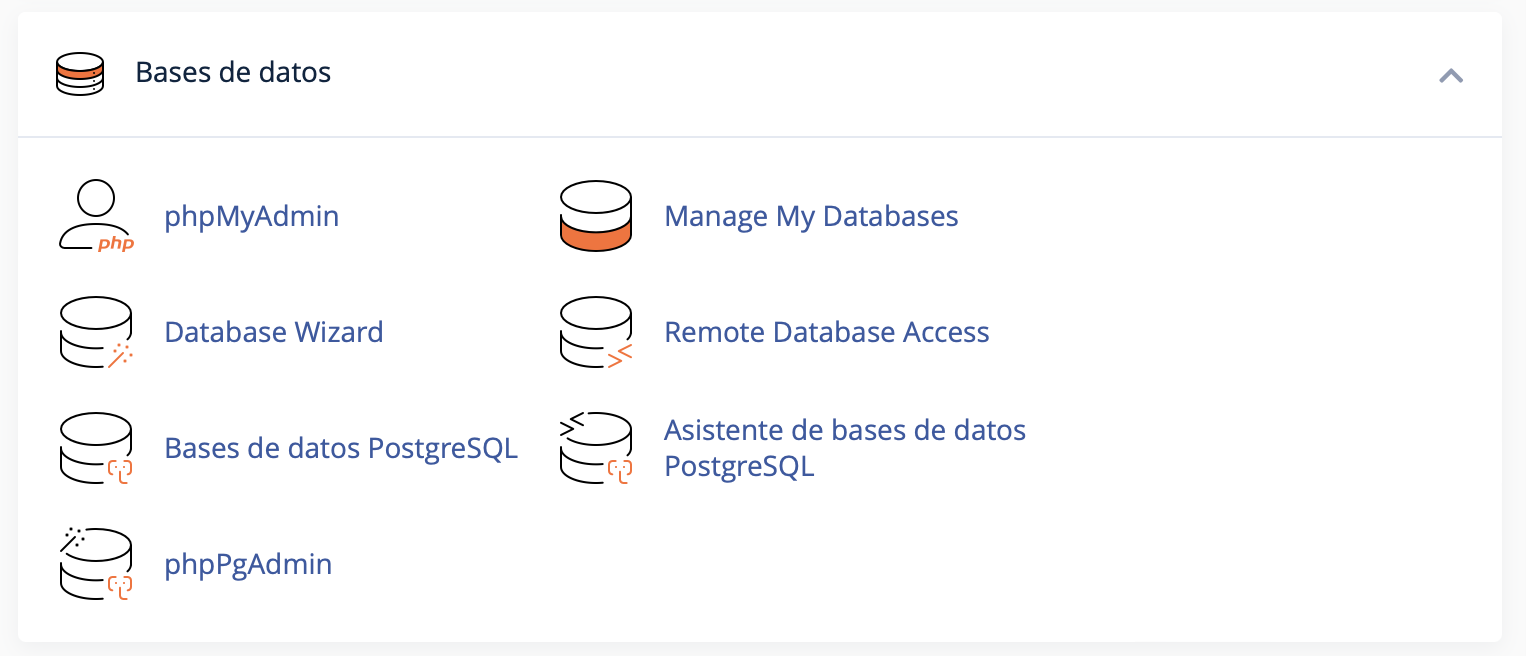
option
Allow Remote Access
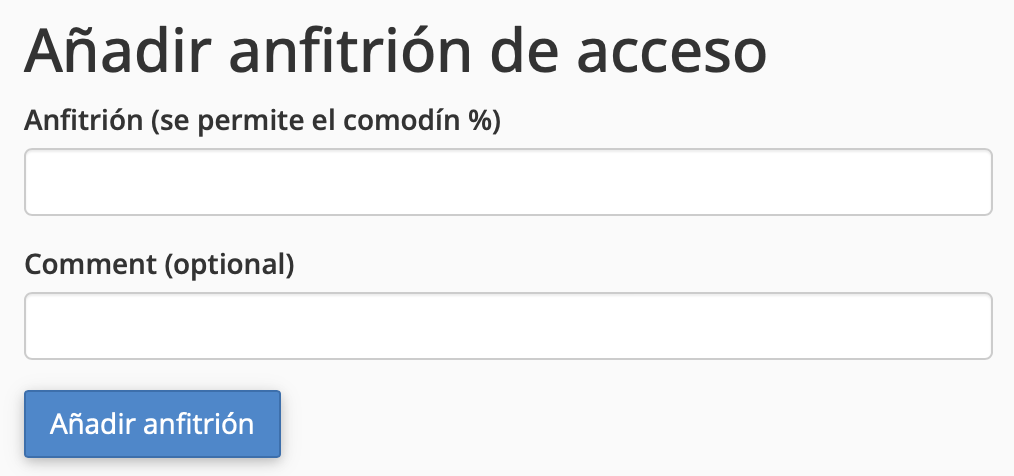
Scroll down until you find the "Add Access Host" option
- In the "Host" field, enter the IP address or domain name of the server from which you want to allow access to your database. If you want to allow access from any IP, you can use the wildcard
%, although this is not recommended for security reasons. - Add a "Comment" with a note, so you can easily identify the IP's location
A remote MySQL connection is a powerful tool for developers and system administrators who need to access and manage databases from remote locations.
This feature is especially useful in scenarios where multiple applications or external services need to interact with the database, such as in web application development, data analytics service integration, or centralized administration of multiple databases across different servers.
By enabling remote access, collaboration and operational efficiency are enhanced, allowing for more flexible and controlled management of stored data. However, it is crucial to implement proper security measures to protect the database from unauthorized access.
If you have any questions, contact your support representative who will guide you and recommend the best option